Game Overview
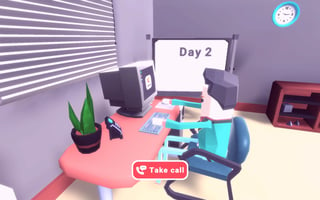
Transform your small shop into a bustling retail paradise! Design and decorate to captivate customers, hire and train the perfect team, and cleverly manage orders and discounts. Watch as your supermarket flourishes with each new day and profitably scales up in this engaging management challenge.
Filed under simulation on PixelPop Arcade. Read the controls and tips below before you jump in.
How to Play
On desktop, this game uses your keyboard and mouse — the title screen lays out the exact controls. On a phone or tablet, rotate to landscape and use the on-screen touch controls; most games auto-show their button layout the first time they load.
Tips & Tricks
- Track which buildings have the best return on investment; the obvious ones often are not it.
- Set a daily check-in routine; idle games reward consistency over marathon sessions.
- Spend prestige currency on permanent boosts before fancy cosmetics.
Frequently Asked Questions
- How long does a typical session of Supermarket Simulator Dream Store last?
- Most players spend about ten to fifteen minutes per session, but the gameplay loop is designed for shorter pickup-and-play bursts too. There is no forced minimum run length.
- Will my progress save?
- Supermarket Simulator Dream Store saves progress to your browser's local storage. Clearing your browser data or playing in a private window will reset that progress.
- Can two people play together?
- Supermarket Simulator Dream Store is a single-player game. You can take turns competing for high scores on the same device.